

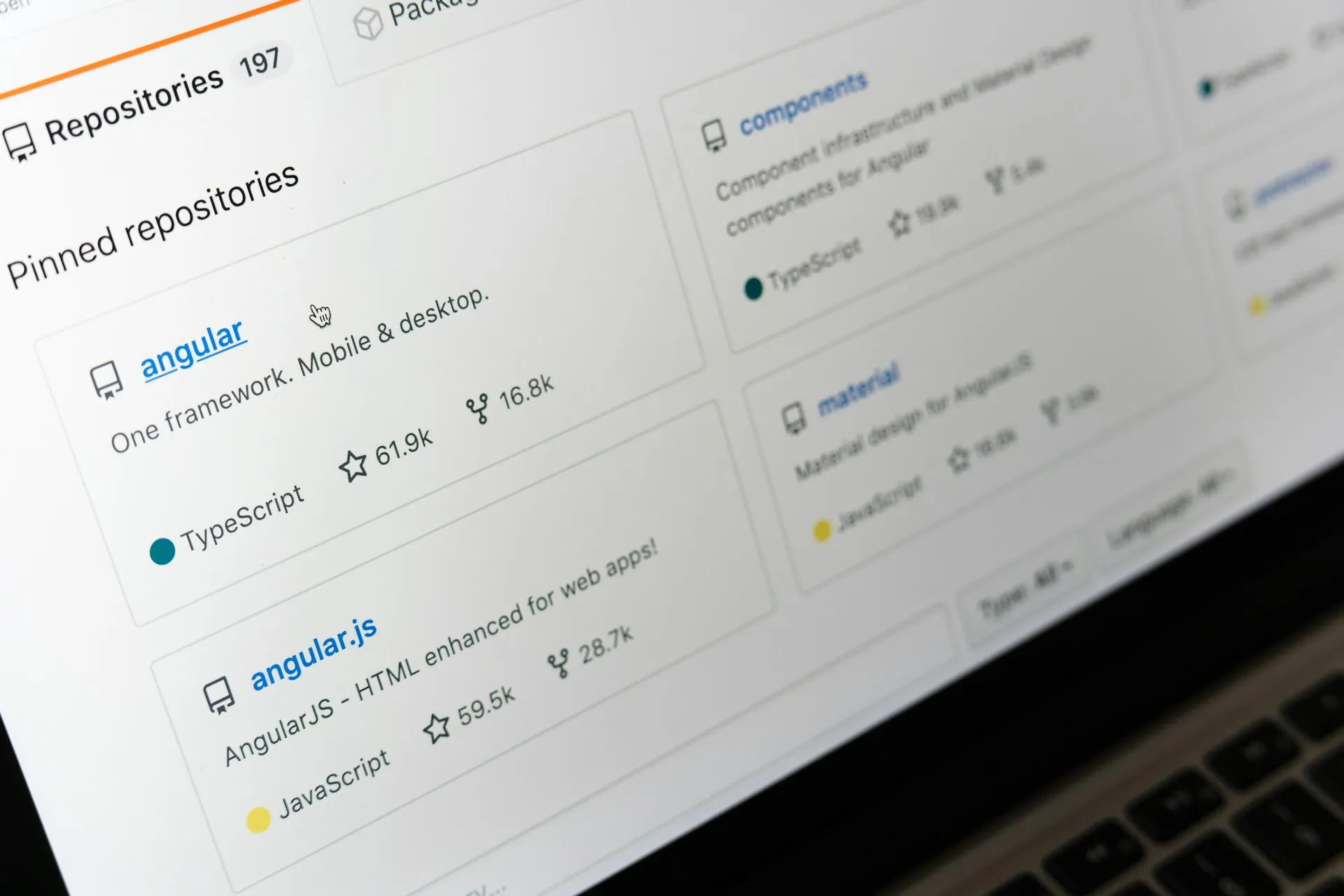
Optimize GitHub Profile for Recruiters: Turn Your Repository into a Hiring Machine
If you think your GitHub profile is just a place to store code, you’re leaving career opportunities on the table. In today’s tech industry, your GitHub profile is often the first place a recruiter or hiring manager will look after seeing your resume and sometimes even before. Learning how to optimize your GitHub profile for recruiters isn’t a vanity project; it’s a strategic career move.
In this guide, you’ll learn exactly how to transform your GitHub from a passive code dump into a powerful personal branding tool that works for you 24/7.
1. Why Your GitHub Profile Matters More Than Your Resume
The developer job market has changed dramatically. A polished PDF resume no longer tells the full story and recruiters know it. According to multiple talent acquisition surveys, over 70% of tech recruiters check a candidate’s GitHub profile during the screening process.
Your GitHub does something your resume simply cannot: it shows your work in real time. Recruiters aren’t just looking at what you claim to know, they’re looking at:
- How you structure your code
- How often you actually write and commit
- How you collaborate with others
- How you document your projects
- What problems you choose to solve
This is what makes GitHub uniquely powerful for technical personal branding. It’s verifiable, living proof of your skills.
Think of your GitHub profile as a portfolio, a resume, and a first impression — all in one URL.

2. The GitHub Profile README: Your Digital Cover Letter
If you don’t have a GitHub Profile README yet, setting one up is the single highest-impact thing you can do today. This special file appears directly on your profile page and is one of the most underutilized features in personal branding for developers.
How to Create Your Profile README
- Create a new repository with the exact same name as your GitHub username (e.g., if your username is @janedev, create a repo called janedev)
- Make it public
- Initialize it with a README.md file
- This file will now automatically appear on your GitHub profile
What to Include in Your Profile README
A strong profile README isn’t a wall of text, it’s a curated, scannable introduction. Here’s a structure that works:
Header Section
- Your name and a one-liner about what you do
- A welcoming, personable tone (this is still a human-to-human connection)
About You Block
- What you’re currently building or learning
- Your tech stack (use badges from shields.io)
- What you’re open to (collaborations, job opportunities, mentorship)
Highlight Stats
- Use GitHub Stats Cards (via github-readme-stats) to showcase your contributions, top languages, and streak
Contact and Links
- LinkedIn, personal portfolio, Twitter/X, email
- Make it effortless for a recruiter to reach you
Example opening lines that work:
Hi, I’m Jane, a Full Stack Developer obsessed with building fast, accessible web applications.
Currently working on: an AI-powered budget tracker
Currently learning: Rust and WebAssembly
Ask me about: React, Node.js, or developer career paths
Reach me at: jane@example.com
Short. Human. Specific. That’s the formula.
3. Pinned Repositories: Your Curated Portfolio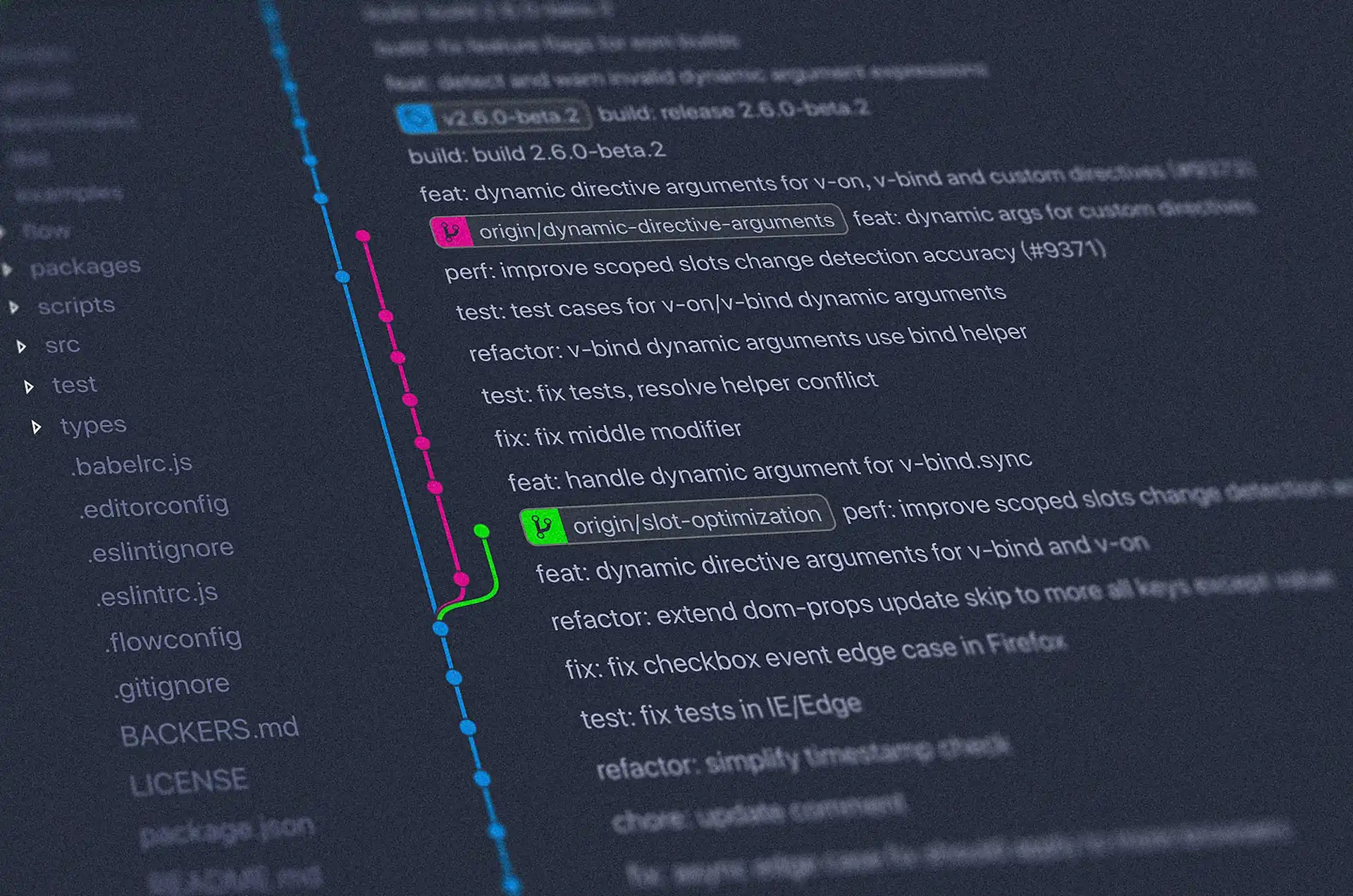
GitHub allows you to pin up to 6 repositories to the top of your profile. Most developers ignore this feature or leave it set to their most recently active repos, which is a missed opportunity.
How to Choose What to Pin
Treat your 6 pinned repositories the way you’d treat a portfolio case study. Ask yourself:
- Does this project demonstrate real problem-solving?
- Does it show the technologies I want to be hired for?
- Is it documented well enough that a non-technical recruiter can understand what it does?
- Is the code something I’m genuinely proud of?
The ideal pinned repo mix:
Slot | Type of Project |
1–2 | Full-stack or end-to-end personal projects |
3–4 | Technical challenges or domain-specific projects (e.g., ML, DevOps) |
5 | Open source contribution or collaboration |
6 | A creative or experimental project that shows your personality |
Optimizing Each Pinned Repo Card
Each pinned repo card shows:
- Repository name → Make it descriptive, not project-v2-final
- Description → This is prime real estate. Write what the project does in plain language. Include the tech stack. Example: “A real-time expense tracker built with Next.js, PostgreSQL, and Stripe with budget alerts and analytics dashboard.”
- Language tag → Automatically detected, but make sure your main language is accurate
- Stars and forks → Social proof. Encourage friends or collaborators to star meaningful repos
4. Commit History and Contribution Graph: Telling Your Story
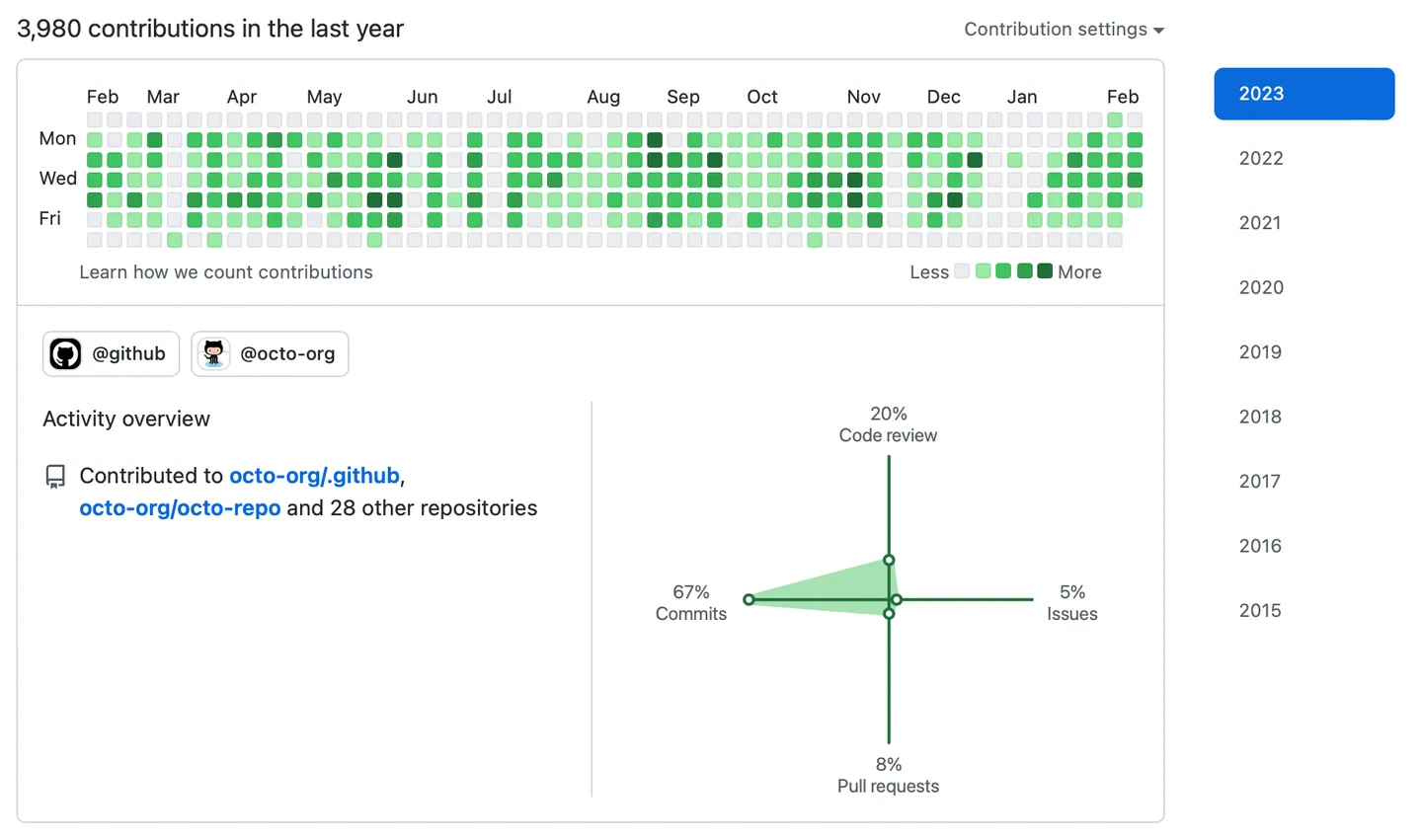
That green contribution graph on your profile? Recruiters absolutely look at it. It signals consistency and work ethic, two things that are hard to fake and easy to admire.
What a Strong Contribution Graph Signals
- You code regularly, not just in bursts before job applications
- You’re invested in your craft as a long-term practice
- You’re likely working on real projects, not just tutorials
How to Build a Meaningful Contribution Graph
The goal is consistency over intensity. A daily commit streak of small, meaningful contributions beats a once-a-month mega-push.
Practical habits that fill your graph authentically:
- Commit documentation updates and README improvements
- Work on personal projects, even in small increments
- Contribute to open source (even fixing typos counts)
- Write and publish small utility scripts or tools
Important: Don’t game the graph with fake or meaningless commits. Experienced engineers who review your code will notice and it can actually hurt your credibility.
5. Writing READMEs That Actually Impress
Every pinned (and frankly, every public) repository should have a README that makes the project instantly understandable. A great project README is a product in itself.
The Anatomy of a Recruiter-Ready README
Project Name
> One sentence that describes what this does and why it exists.
Live Demo
[Link to live app or video demo]
Features
– Feature 1
– Feature 2
– Feature 3
Tech Stack
– Frontend: React, Tailwind CSS
– Backend: Node.js, Express
– Database: PostgreSQL
– Deployed on: Vercel + Railway
Screenshots
[Include 1–3 screenshots, visual proof is powerful]
Installation & Setup
[Clear steps to run the project locally]
What I Learned
[Optional but powerful: 2–3 sentences on challenges solved]
Contact
[Your links]
The “What I Learned” section is particularly powerful for junior and mid-level developers, it demonstrates self-awareness and a growth mindset, which hiring managers actively look for.
Tip for images: Name your screenshot files descriptively (e.g., github-profile-dashboard-view.png not screenshot1.png) and always add alt text in your markdown: 
6. Open Source Contributions as Social Proof
Contributing to open source is one of the most credible signals you can send to a recruiter. It means:
- You can read and understand someone else’s codebase
- You can communicate in a professional, collaborative environment
- You care about the developer community
- You follow conventions and standards beyond your own preferences
How to Start Contributing (Even as a Beginner)
You don’t need to fix a core bug in React to make an impact. Start with:
- Good First Issues, Filter by the good first issue label on GitHub Explore
- Documentation improvements, Every open source maintainer appreciates this
- Translations, If you’re bilingual, this is highly valuable
- Testing, Add test coverage to projects that lack it
- Bug reporting, A clear, reproducible bug report is a real contribution
Look for projects you already use daily. That context will make your contributions more genuine and more useful.

7. Technical Personal Branding Beyond the Code
Your GitHub profile doesn’t exist in a vacuum. The most visible developers build a cross-platform presence that reinforces their brand:
Connect Your GitHub to Your Broader Brand
- Personal website/portfolio: Link it prominently in your GitHub bio. Your website is where you control the full narrative.
- LinkedIn: List your GitHub URL. Recruiters cross-reference both constantly.
- Twitter/X or Bluesky: Many developers share what they’re building in public (“building in public” is a powerful visibility strategy)
- Dev.to or Hashnode: Write articles about what you build. Link back to your GitHub repos. This drives organic traffic and backlinks to your projects.
- YouTube or Loom: A short video walkthrough of a project is 10x more memorable than a README alone
Niche Down to Stand Out
Rather than claiming to know “everything,” owning a niche dramatically increases your visibility. Examples:
- “The developer who builds tools for indie makers”
- “Full stack dev focused on accessibility and WCAG compliance”
- “Backend engineer who writes about PostgreSQL performance”
When you’re known for something specific, you become the go-to person and that’s when recruiters start coming to you.
8. Common Mistakes That Kill Your GitHub Profile
Avoid these profile-killers that even experienced developers make:
✖️ No profile photo. A real photo builds immediate trust
✖️ Empty or generic bio. “Developer | Coffee lover” tells recruiters nothing
✖️ Repos named test, practice, or project1. Archive or rename these
✖️ No description or README in pinned repos. A code-only repo with no context is invisible
✖️ Forked repos cluttering your profile. Forks without contributions don’t add value; unpin them
✖️ Outdated tech stacks. If your only projects use jQuery and Bootstrap 3, update your portfolio
✖️ Private everything. If recruiters can’t see your work, your GitHub is useless as a career tool
✖️ Ignoring the location and website fields. Fill them in. Every field is a discoverability signal
9. Tools to Level Up Your GitHub Presence
Here are the best free tools to enhance your GitHub profile:
Tool | What It Does |
github-readme-stats | Auto-generated stats cards (stars, commits, top languages) |
shields.io | Beautiful, customizable tech stack badges |
readme.so | Drag-and-drop README builder |
GitHub Profile Trophy | Adds achievement-style trophy widgets to your profile |
Wakatime | Tracks your coding time and displays it in your README |
Gitartwork | Generates artistic visualizations of your commit history |
10. Your 30-Day GitHub Profile Action Plan
You don’t need to do everything at once. Here’s a realistic roadmap:
Week 1 Foundation
- Create or update your profile README with a strong intro
- Add a professional photo and filled-out bio
- Select and pin your 6 best repositories
Week 2 Content
- Write or improve the README for each pinned repo
- Add screenshots or GIF demos to at least 2 projects
- Archive repos that don’t represent your current skill level
Week 3 Contribution
- Make your first open source contribution (even small)
- Add GitHub Stats Cards and badges to your profile README
- Connect your GitHub to your LinkedIn and portfolio
Week 4 Visibility
- Share one project on social media with a brief explanation
- Write a short article on Dev.to or Hashnode about something you built
- Set a daily commit habit (even 15 minutes counts)

Final Thoughts
Your GitHub profile is a living document of who you are as a developer. Unlike a resume (which is a static snapshot) your GitHub grows with you, shows your trajectory, and proves your skills in the most transparent way possible.
The developers who stand out in the job market aren’t necessarily the most talented; they’re the ones who make their talent visible. Optimizing your GitHub profile is the simplest, most direct way to do that.
Start with one section today. Your future self (and your future employer) will thank you.
Did this guide help you? Share it with a developer friend who’s job hunting, and start a few open source repos while you’re at it.